Programming 3D Models and SHaders
Course Name: Programming 3D Models And Shaders
Instructor: Timothy Steele
Quarter: Fall 25
Keywords: Houdini, Copernicus, VEX, Solaris, Shading
Date Updated: Jan 29, 2026
Programming 3D Models and Shaders is a Houdini Copernicus/VEX shading class that utilizes the Solaris/USD workflow, taught by Prof. Timothy Steele. I was very excited to learn about all these topics. I have had enough of figuring-things-out-on-my-own moments in Houdini (though those moments never really disappear as long as you are still working in this industry). I really needed a seasoned industry professional to guide me through this journey. Shading has always been my weakness. I am very grateful for this opportunity to take this class. This is also my first class in SCAD. Everything is new and exciting to me.
Project 1: Succulent Shading
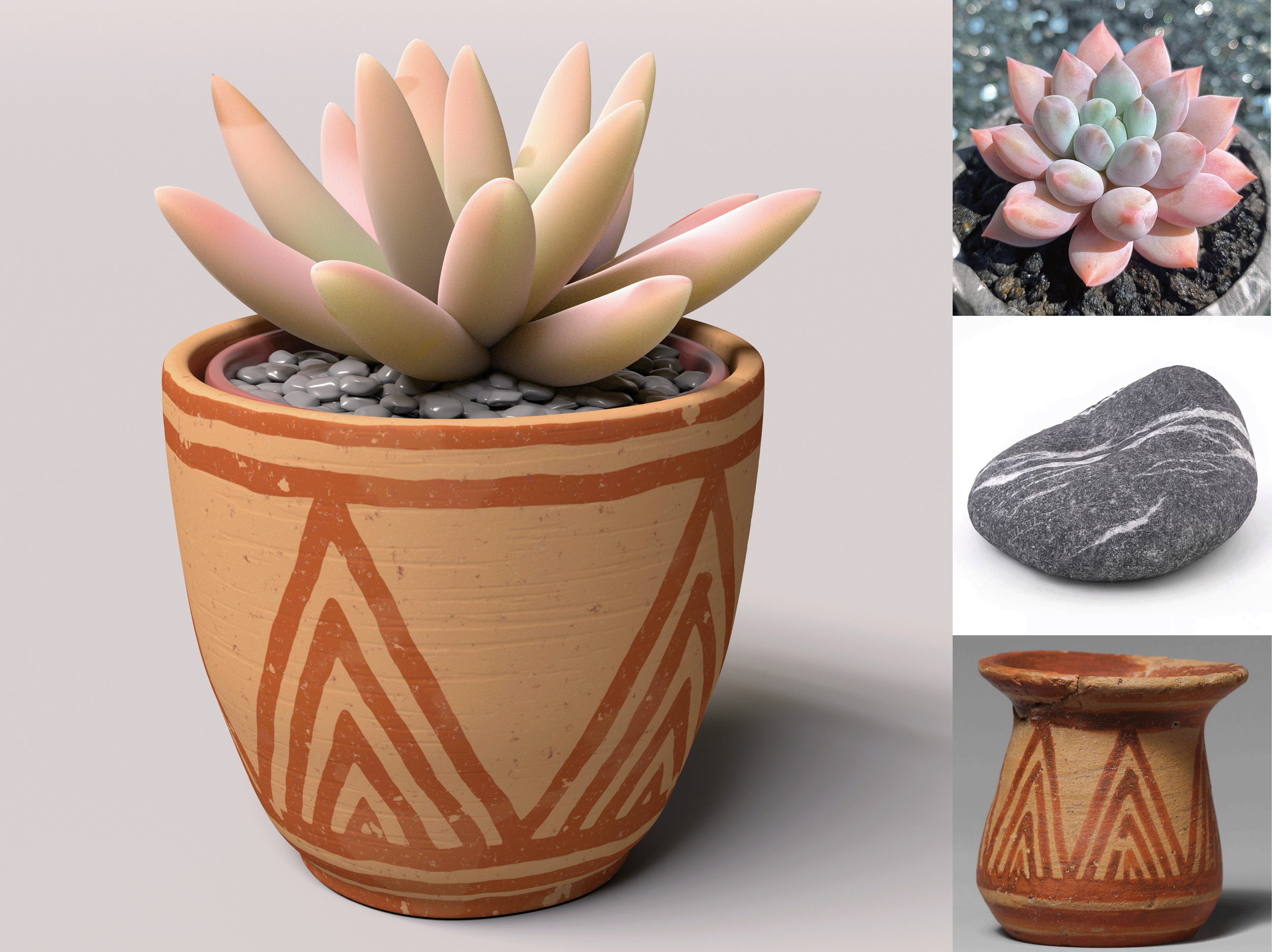
For Project 1, we were introduced the basics of the Copernicus system and shading knowledge in general. The objective is to shade a given succulent plant model to match found references.
Project 2: PRocedural Metal Tool
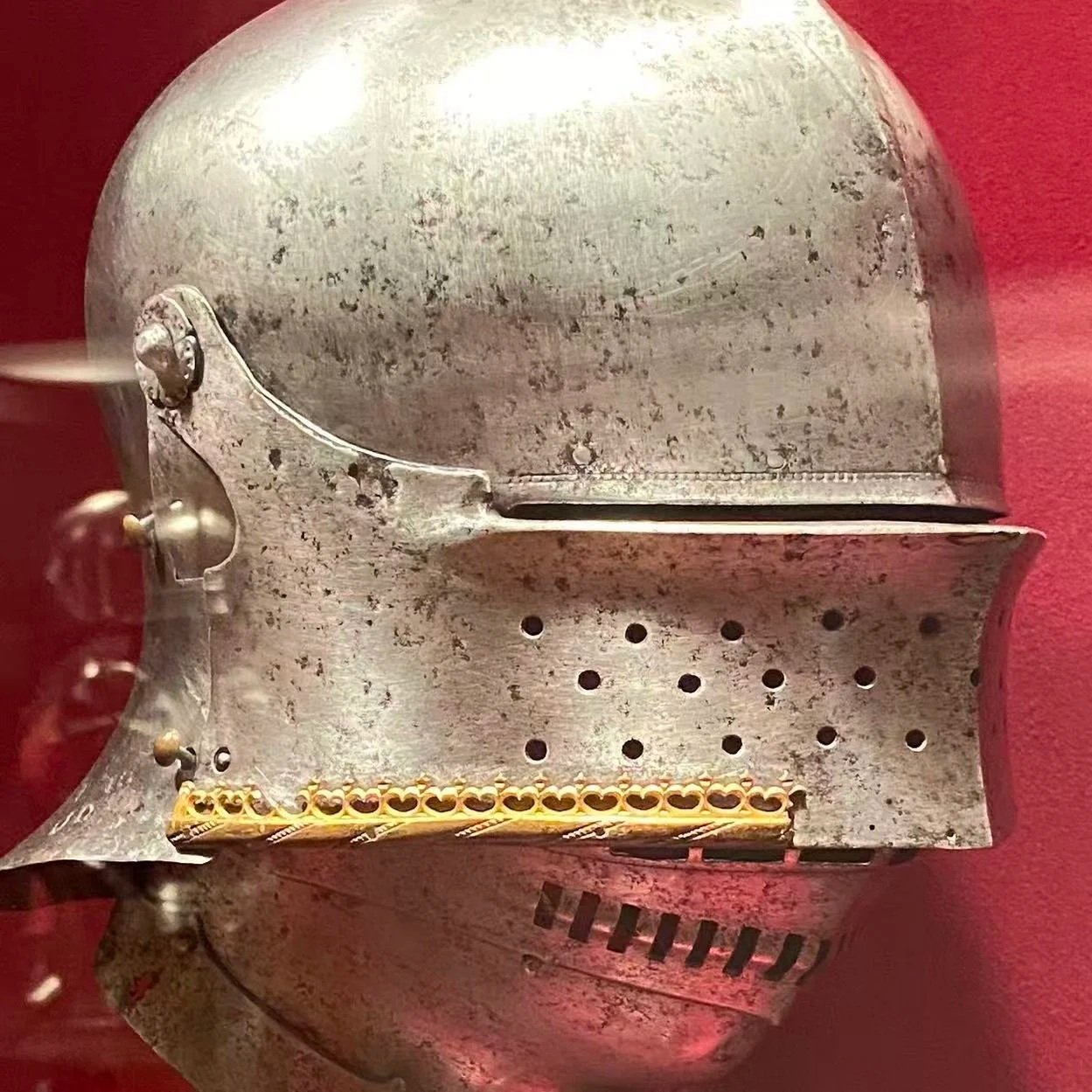
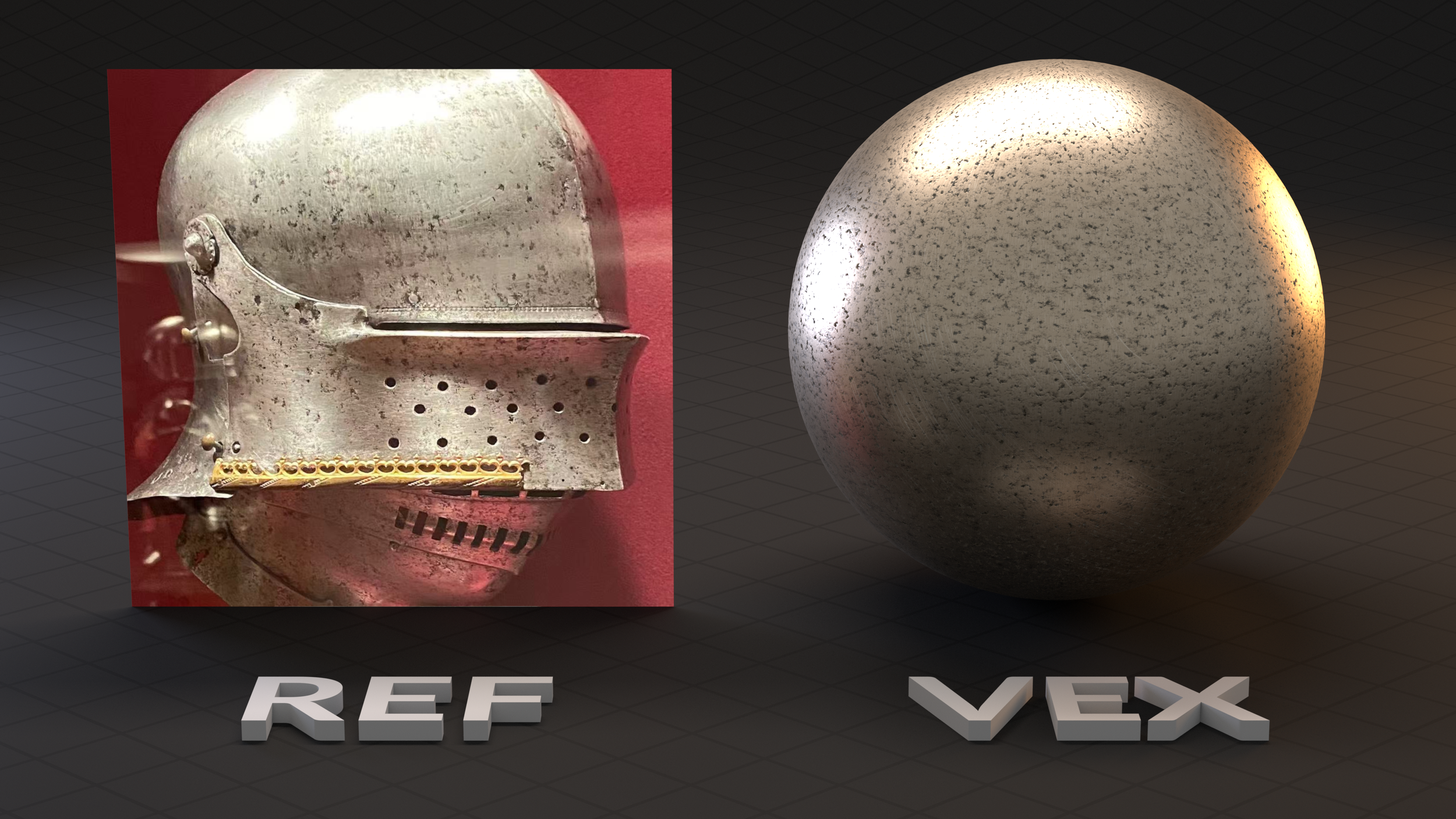
For Project 2, we dive deep into VEX shading. The objective is to create procedural metal material with custom UI controls. I chose a worn-out metal helmet from my visit to the MET museum.
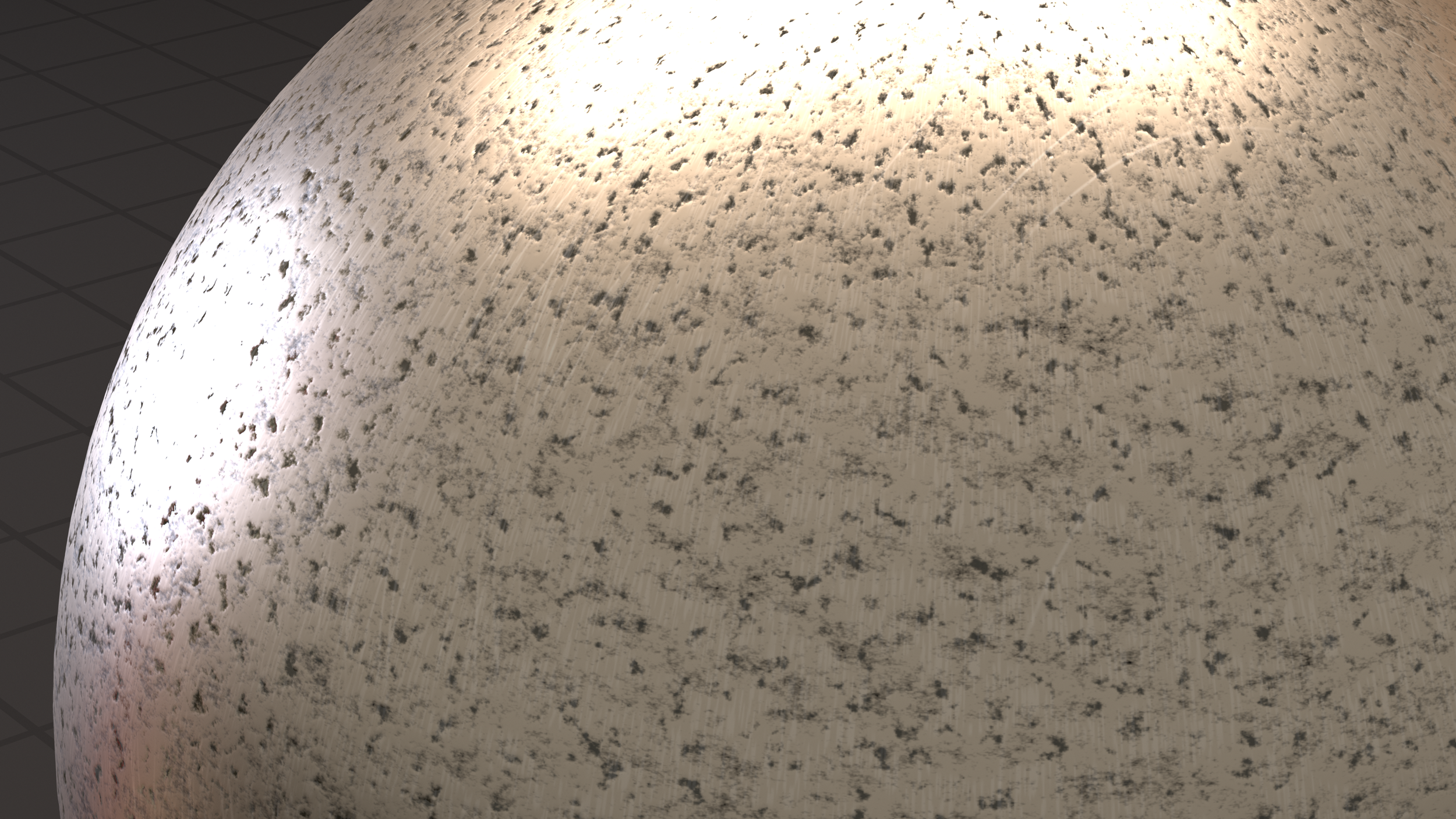
This project started easy and smooth, I was able to create texture maps with layers of noises that resembles the dents on the helmets. Then I found a challenging coding problem, the radial scratches. the linear scratches are easy for that I can draw them with a basic sin() wave. Radial scratch is a whole other approach. After hours of trials and errors, and some consultation with my good old friend ChatGPT, I was able to figure the radial scratches and build art-directable controls for it.
Project 3: PRocedural Plaid Tool
For Project 3, we are challenged to choose a plaid pattern and make a procedural tool to generate plaid pattern.
This project was a painful one. And I learned a really important lesson from it — Good code requires not blind effort; it requires efficient structure and proper planning. Basically, what happened was that I started off by drawing each visible line with a unique designated sin() wave with a frequency of 1.
That results in 2 problems:
Redundancy in my code.
Inability to procedural control the scaling of the whole cloth pattern.
I really learned this lesson the hard way. Though my pattern looks exactly the same as the reference, it could not be procedurally controlled. If it is not art-directable, it defeated the purpose of my tool. The main cause of this problem was that I wasn’t thinking the big picture. I focused too much on positioning each line, rather than identifying the bigger repeating plaid pattern.
So, I got myself together and rebuilt the whole code structure. This time, I made sure that I clearly identified what the repeating pattern is and chose a higher frequency sin() wave to represent the line patterns. With this new base structure, I was able to build procedural control for my plaid pattern.
Project 4: PRocedural wood Tool
For Project 4, the objective is to create a procedural wood texture tool.
Final Project: Parfait
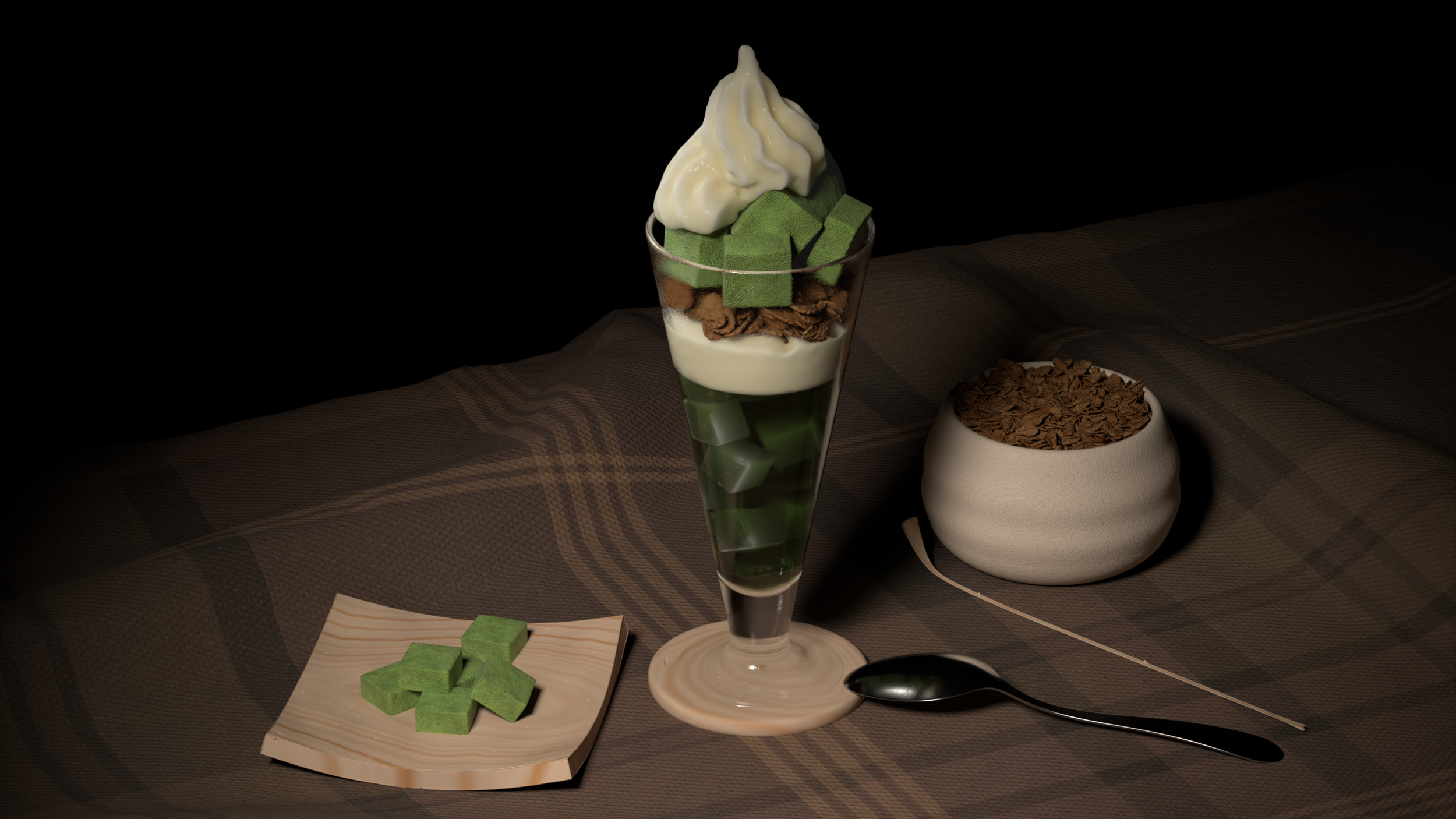
For the final project, we were challenged to choose a drink and to set-dress a tabletop. I chose to do a matcha parfait.
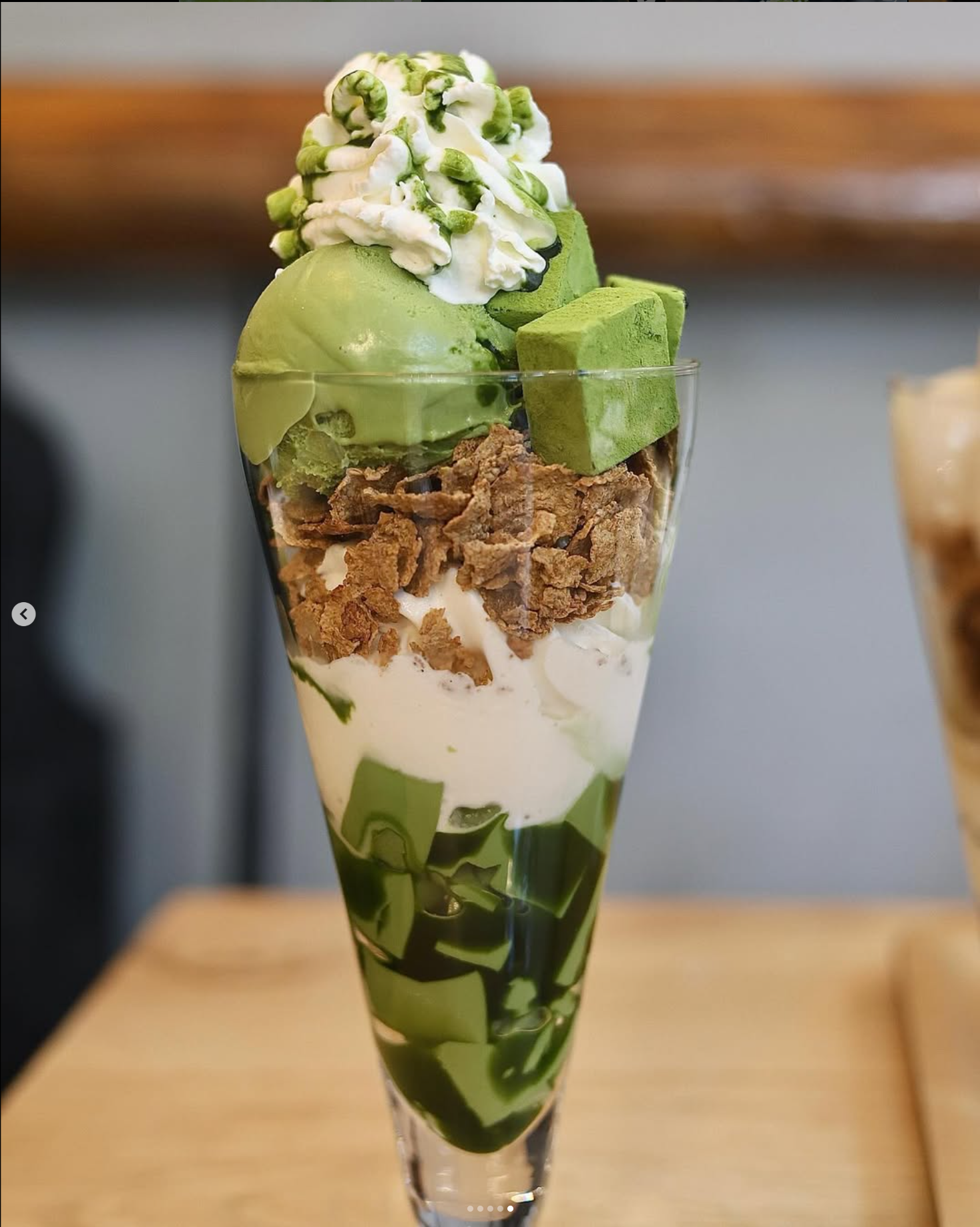
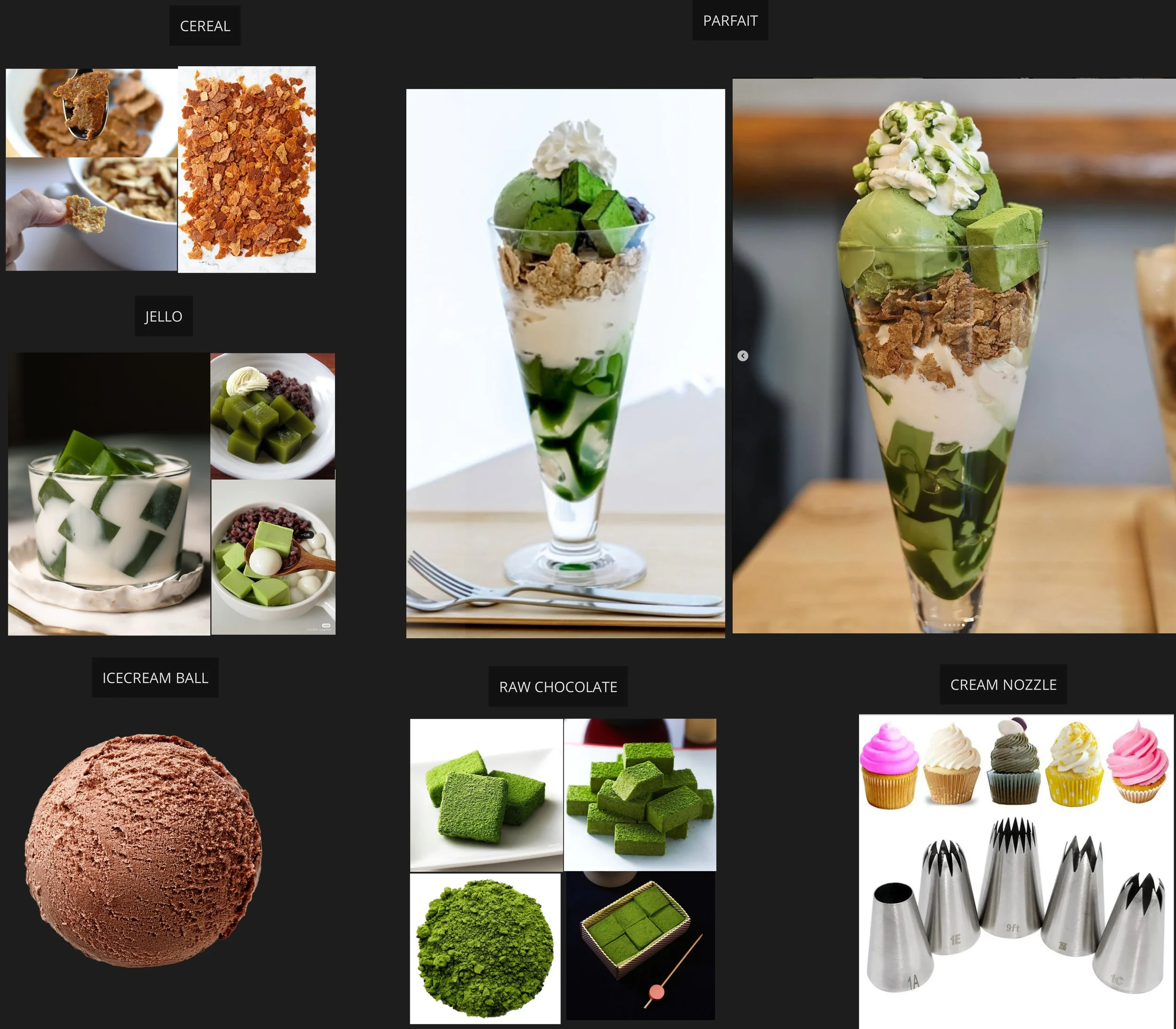
Though not a project requirement, after watching Peter Sanitra’s presentation of making cookies and cream in MPM, I couldn’t resist trying MPM solver in Houdini 21. To get myself more familiar with the MPM solver, I binge-watched tons of MPM tutorials and read through the MPM documentation. At the time of learning the MPM concepts, MPM tutorials online are rare and somewhat superficial. I mean, it’s normal since MPM is very new to Houdini. That means I’ll have to do a lot of experiments and parameter testing on my own.
Honestly, I did not expect it to be this difficult. Well, it’s more of a me-setting-too-ambitious-goals problem. My attempt was to run a simulation of multiple materials in one simulation, that includes jelly, matcha, cereal, creamy bubbles, ice-cream toppings, and chocolate. That, for a MPM first-timer, is way too ambitious.
I quickly found out that this approach was not feasible for my setup. First, to maintain accuracy and precision for the motion, the MPM material presets would create too many particles that eats up my 96GB RAM quickly. Second, simulating bubbles is not MPM’s strength. In fact, it is not possible to simulate bubbles in MPM. You could fake bubbles by meshing a fluid surface, scatter points, copy tiny spheres to points, and boolean them out. But that’s not simulating bubbles at the end of the day. And last, MPM is very scale dependent. The material presets are set to its default scale, which sometimes can be gigantic in meters, sometimes can be at real life scale. That is not a problem when simulating one type of material alone. However, when simulating multiple materials together, that creates additional scaling issues which result in me overthrown the presets and trying out my own parameters to compensate the scaling issue. That, my friends, is not a pleasant experience.
To make the sim run at a limited RAM, I scaled everything larger than its usual scale to use less particles. Just testing cream being squeezed out from the nozzle takes me a long time to do. I had to maintain the star-shaped cross section and the soft and buttery cream like stacking motion while testing how exactly each parameter contributes to the simulation. It is hard.
With limited time, I gave up on the above approach. I tried to use a combination of RBD and MPM sim, where I split the simulation in different sections. First, use MPM to solve jelly, water, and cream. Then, mesh the MPM surface and use that as a collider for RBD simulation. Then, use the result from RBD solver as a collider for simulating cream topping using MPM. Though it wasn’t a singular sim, it did work.
Regarding other objects in my scene, I tried to do everything from modeling to texturing to rendering in Houdini. I modeled everything (except for the spoon) and textured everything. I used my own metal tool to shade the spoon, my own plaid tool to create the tablecloth, and my own wood pattern tool to create the wooden plate and cup holder.
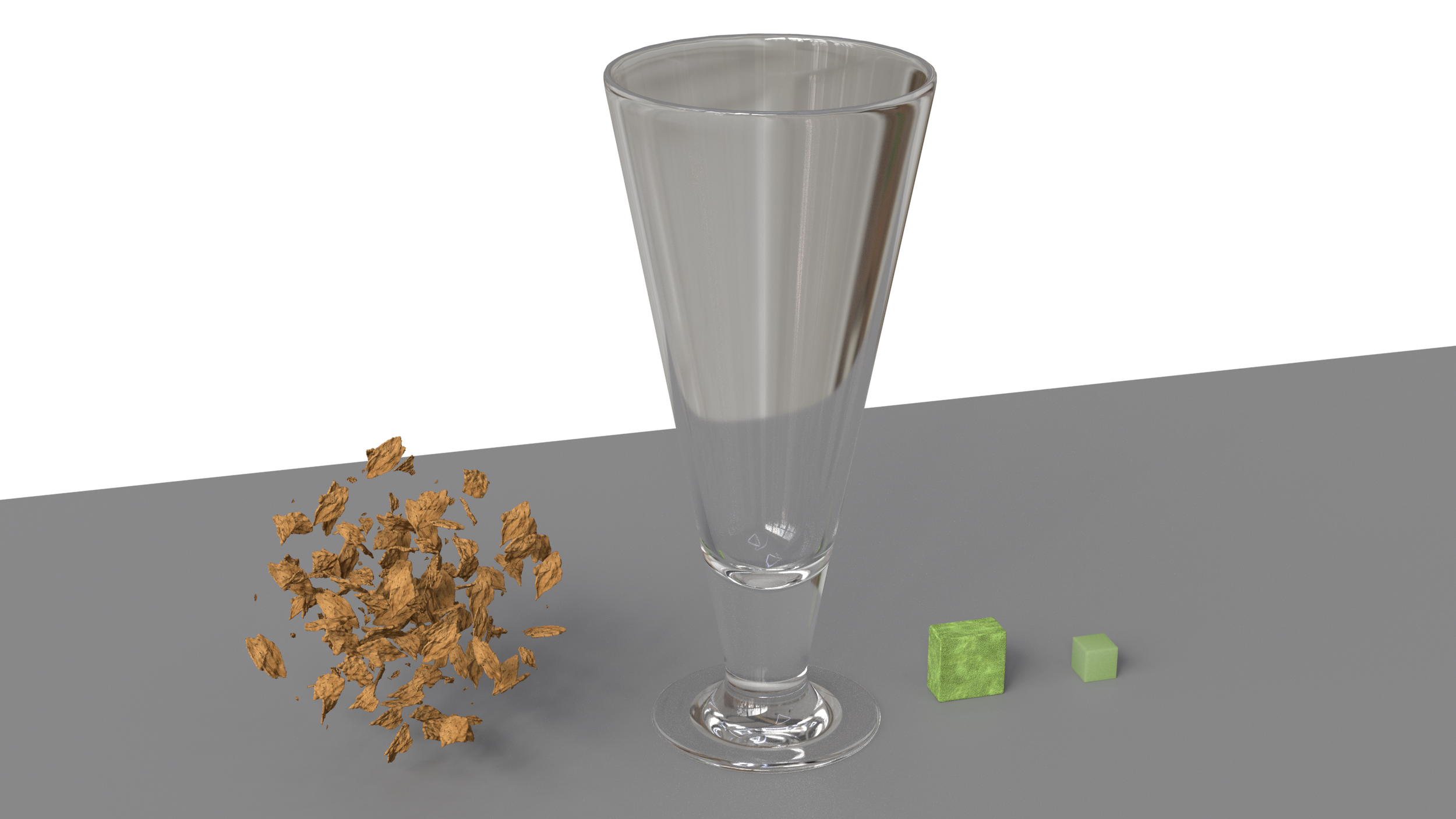
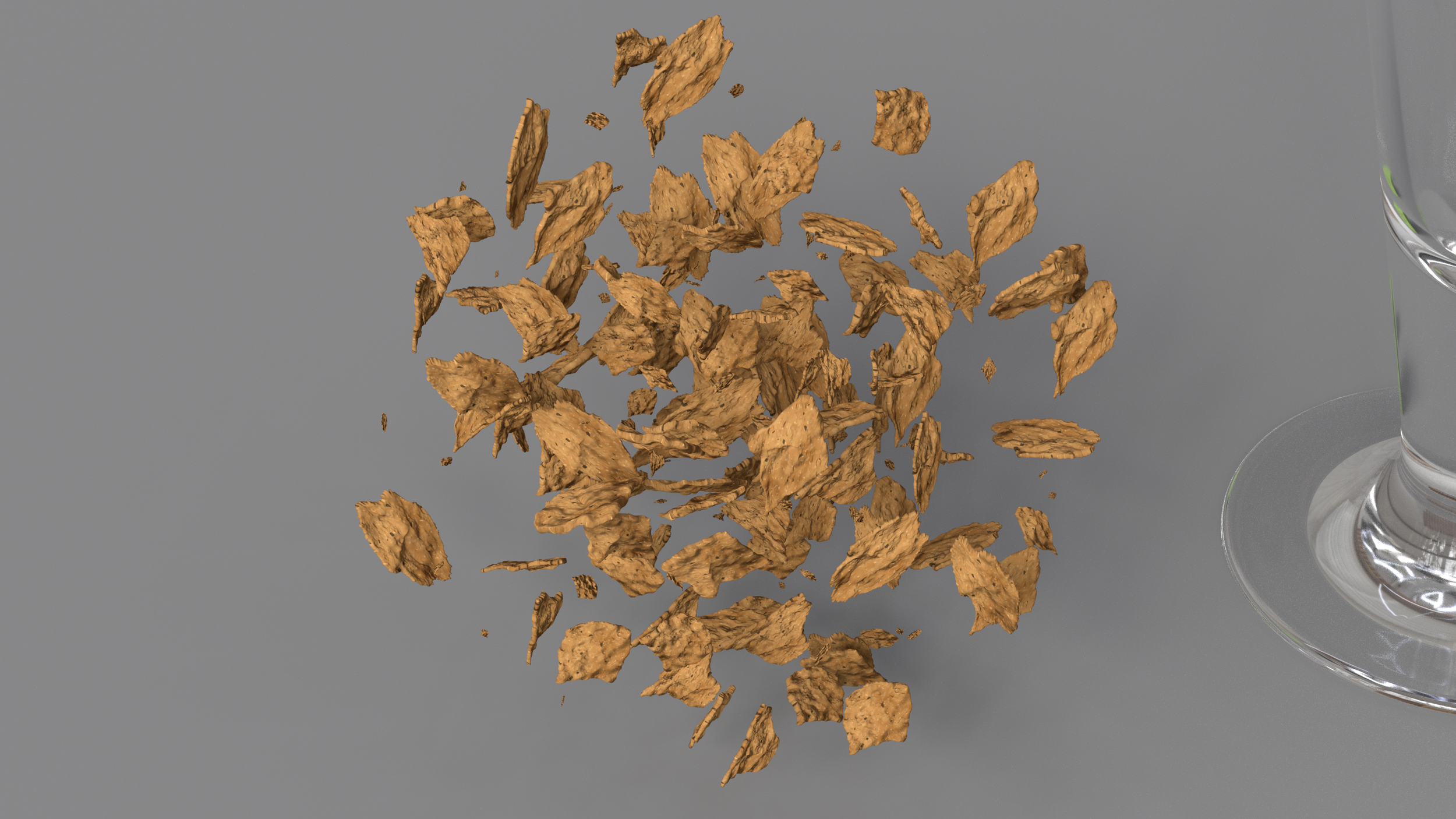
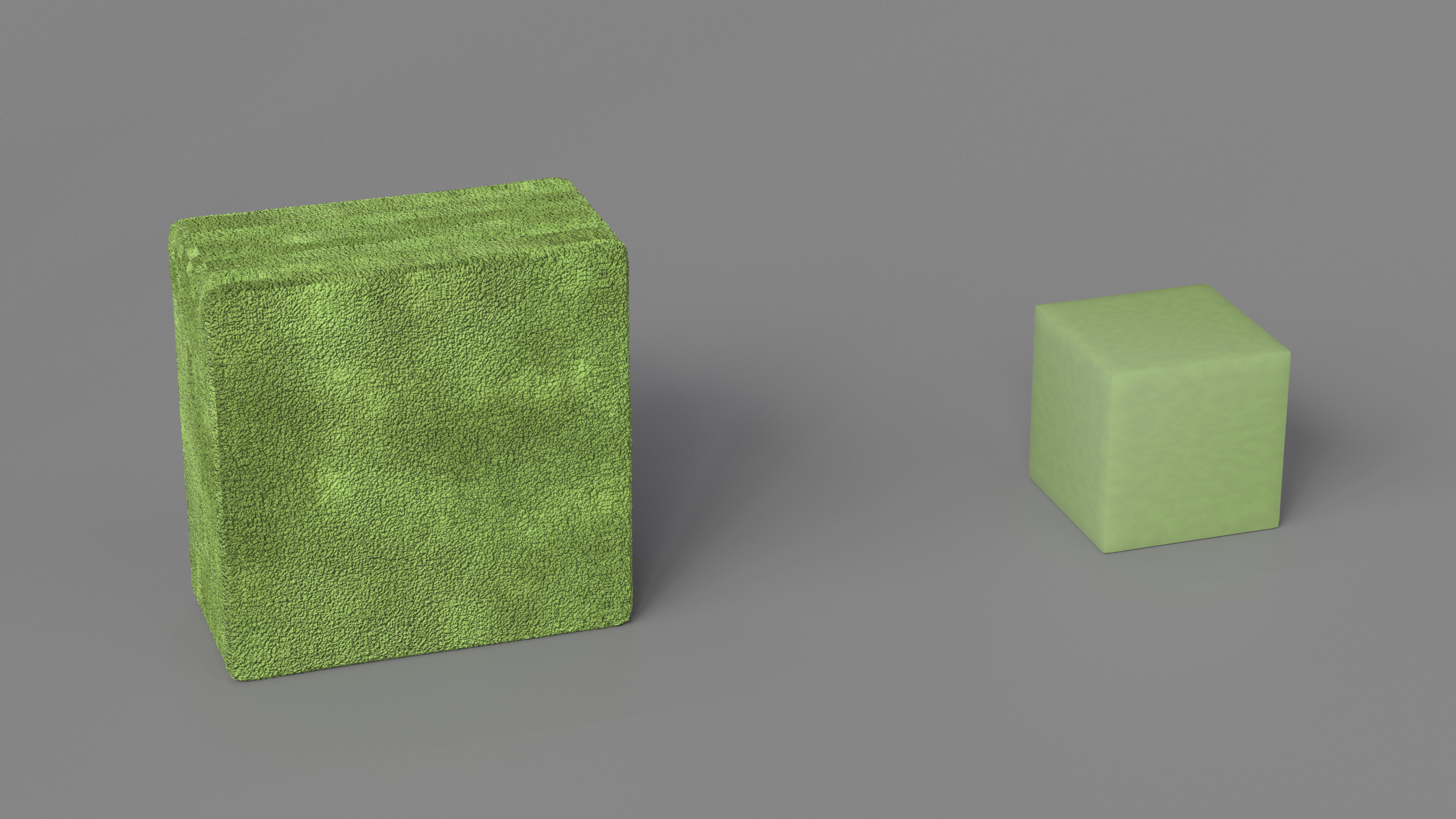
WIP
Final Project Breakdown
closing thoughts
My friends sent me this selfie at midnight at school’s computer lab. I really love this photo.
Posted for fun. why not?
VFX is life-long weary road to pursue. I’m glad I’m not alone.
As prof. Timothy always says, “you WILL figure it out”!