Programming Concepts for VFX
Course Name: Programming Concepts for Visual Effects
Instructor: Sean Schur
Quarter: Winter 26
Keywords: Python, Maya, Automation, Linux
Date Updated: Feb 22, 2026
Programming Concepts for VFX is a deep dive into the maya.cmds library and Python scripting, moving us from manual artists to system architects. Before this class, I treated 3D software as a canvas I had to paint on manually. Now, I see it as a database I can manipulate. The goal wasn't just to learn syntax; it was to stop being the variable in the system and start being the designer of the system. Coding demands a different type of endurance than artistic sculpting. It forces you to confront the empty script editor with pure logic, requiring the discipline to build systems from scratch rather than relying on pre-made plugins or off-the-shelf tools to bridge the gap.
Project 1&2: Animated Pixel Art Quilt
For Project 1 & 2, We were tasked to first create a 20x20 pixel art quilt, and then to animate it., and eventually build the quilt in Maya and render it. Inspired by one of my favorite pixel art games Stardew Vally, I drew my pixel figures using a free online sprite editor called Piskel. The animation frames and its color information was exported to a C file stored in list. I then use python to parse throught the C file and to procedurally generate the pixel art quilt in Maya.
The color coming from C files are stored in Hex format. Maya reads color in RGB in a range from 0 to 1. There are 2 ways to convert color as I know of. One is to use the string indicing method where you extract part of a string at a time and reads its information. One is to use the bit shift method which pushes the desired color channel infomation to the far right of the string and use a mask to extract the end data. Though using the bit shift method could avoid truncated leading zeros often found in C files, Prof. Sean pointed out for this specific project, the string indicing method is more efficient.
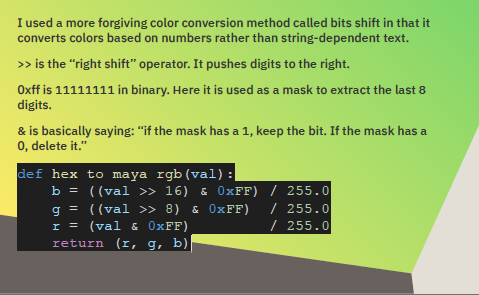
I also learned about the Regular Expression (re) library from Gemini. This libary is especially powerful in pattern matching and text manipulation. Some of the functions I used include:
re.search(), re.match(), re.group(), re.findall().
I was also introduced with this concept of Defensive Programming, the practice of anticipating failures and writing code to prevent them. This gives me a new perpective for coding. I used to think that as long as my code runs. I should be satisfied. Now I take more factors into consideration. Does my code runs on different operating systems? Does my code require a specific type of input to run? What would happen if the input is slightly different?
Project 3: Procedural Newton’s Cradle
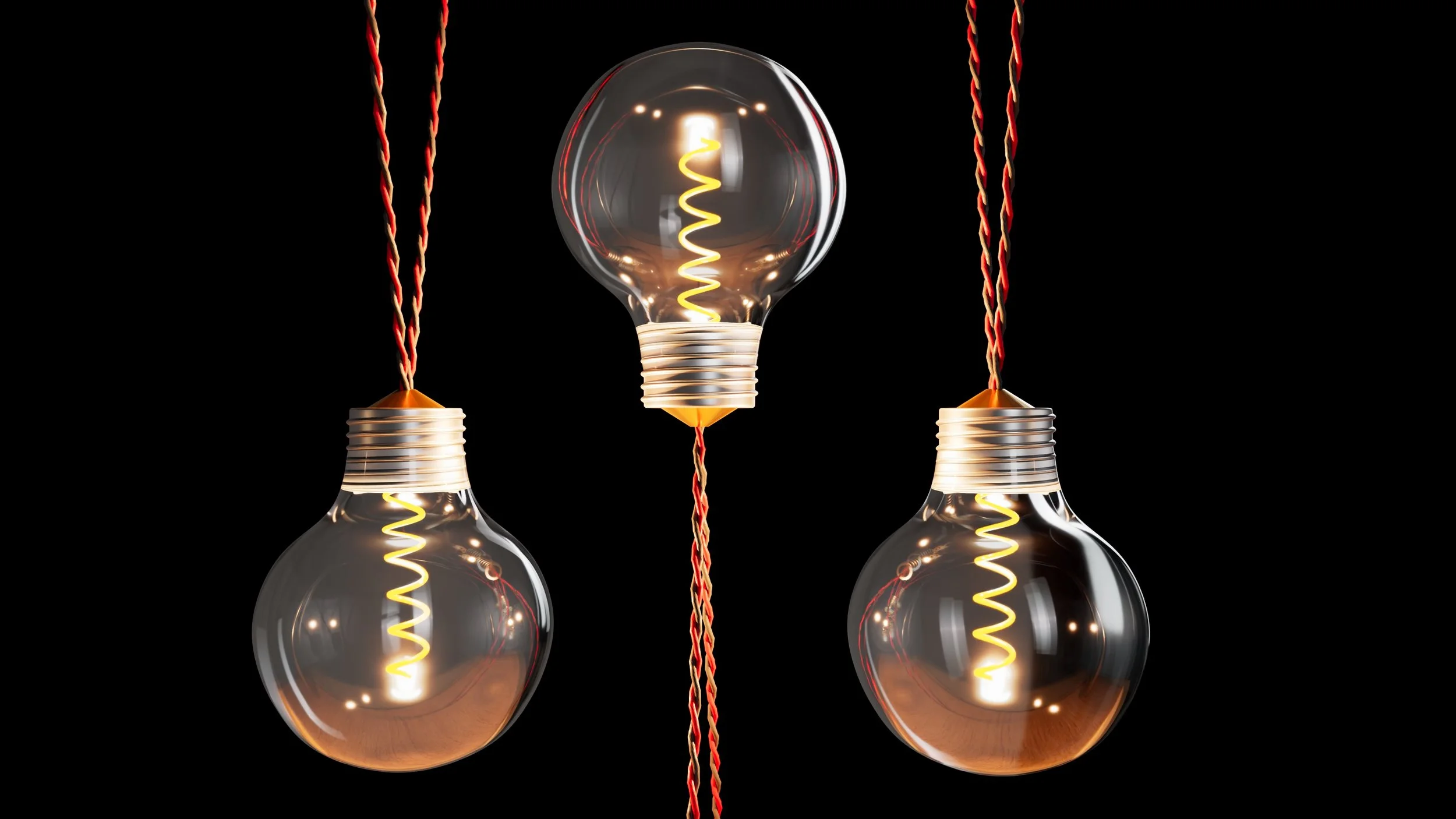
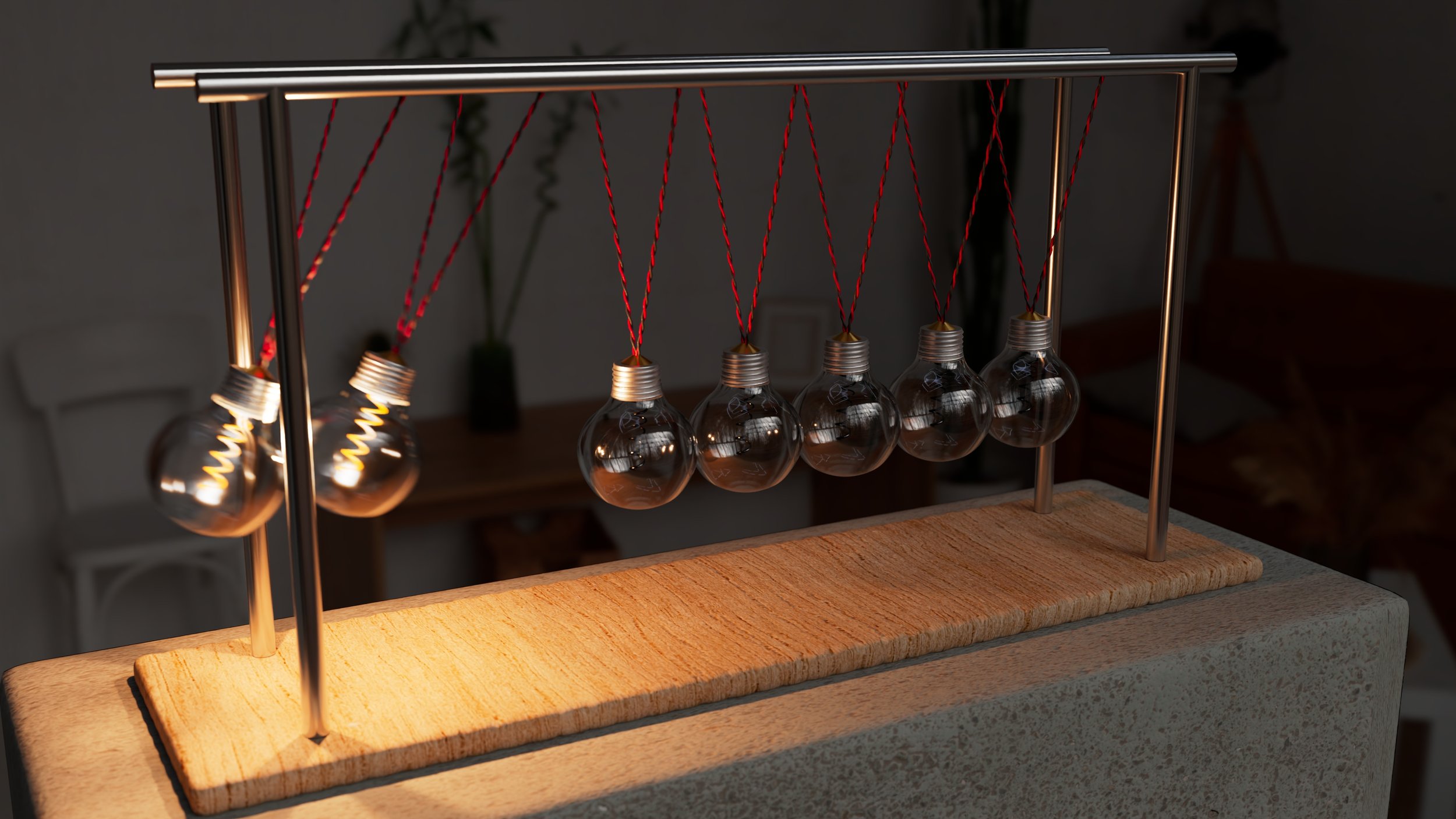
For Project 3, the objective was to create a fully procedural generator for a Newton’s Cradle. The catch? No manual modeling allowed. Everything—from the glass thickness of the bulbs to the twisted wiring—had to be generated by code at runtime, controllable via a custom UI.
Modeling with COde
My biggest hurdle early on was the wooden base. In manual modeling, you just grab edges and bevel them. In code, I initially got what I call the "Marshmallow Effect"—polySmooth destroyed the corners of my cube because I hadn't programmed the support loops correctly. I learned the hard way that procedural hard-surface modeling requires a "Bevel-First" logic. I had to implement a specific order of operations:
generate the cube → apply a tight mathematical bevel → calculate World Space UVs using polyAutoProjection →then smooth.
This ensured the wood grain texture didn't stretch, regardless of the dimensions the user chose.
I also found that cmds.polyBevel function is a bit outdated in terms of its algorithm. cmds.polyBevel3 function is the most to date bevel function. In some situations, polyBevel3 resolves the Ngon problems polyBevel function created.
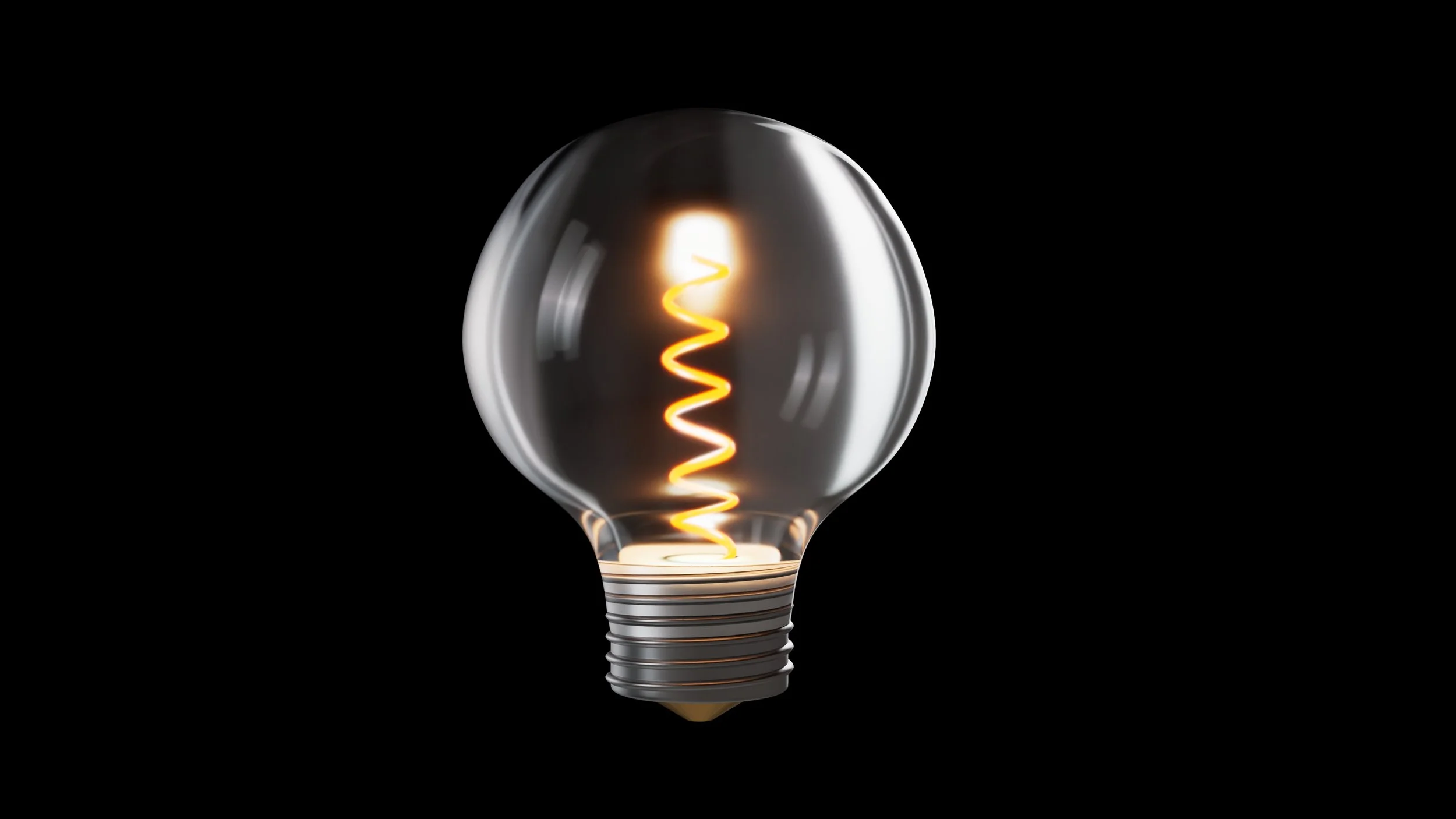
Besides that, modeling the round bulb glass mesh was challenging. I asked Gemini to generate me a set of points that represents the shape of a vintage bulb and revolved around the nurbs curve to create the smooth glass mesh. To ensure the glass has thickenss, I reversed the outer points list, offsetted them inward, joined by two (0, 0, 0) point on the beginning and the end to ensure thr curve closes at the center axis.
Regarding the twisted wires, I modeled two thin cylinders with a high numbger of edgeloops on its height firt. Then I used the twist deformer to achieve the look.
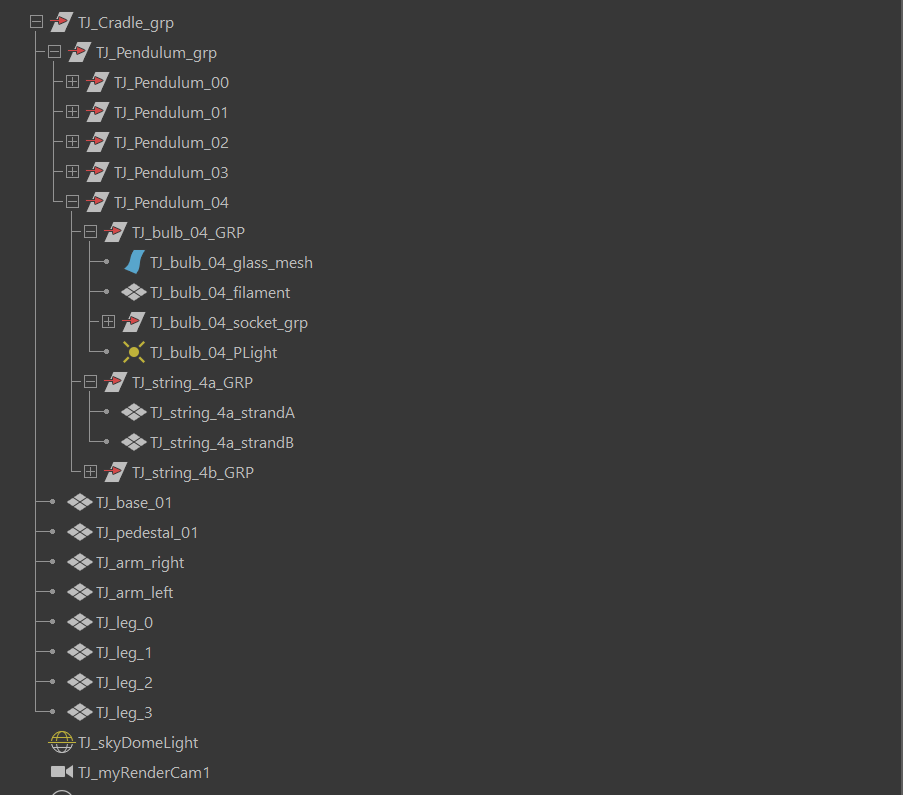
During the procedural creation of the assets, I grouped them into a logical hiearchy for easy access.
The Animated Lighting Logic
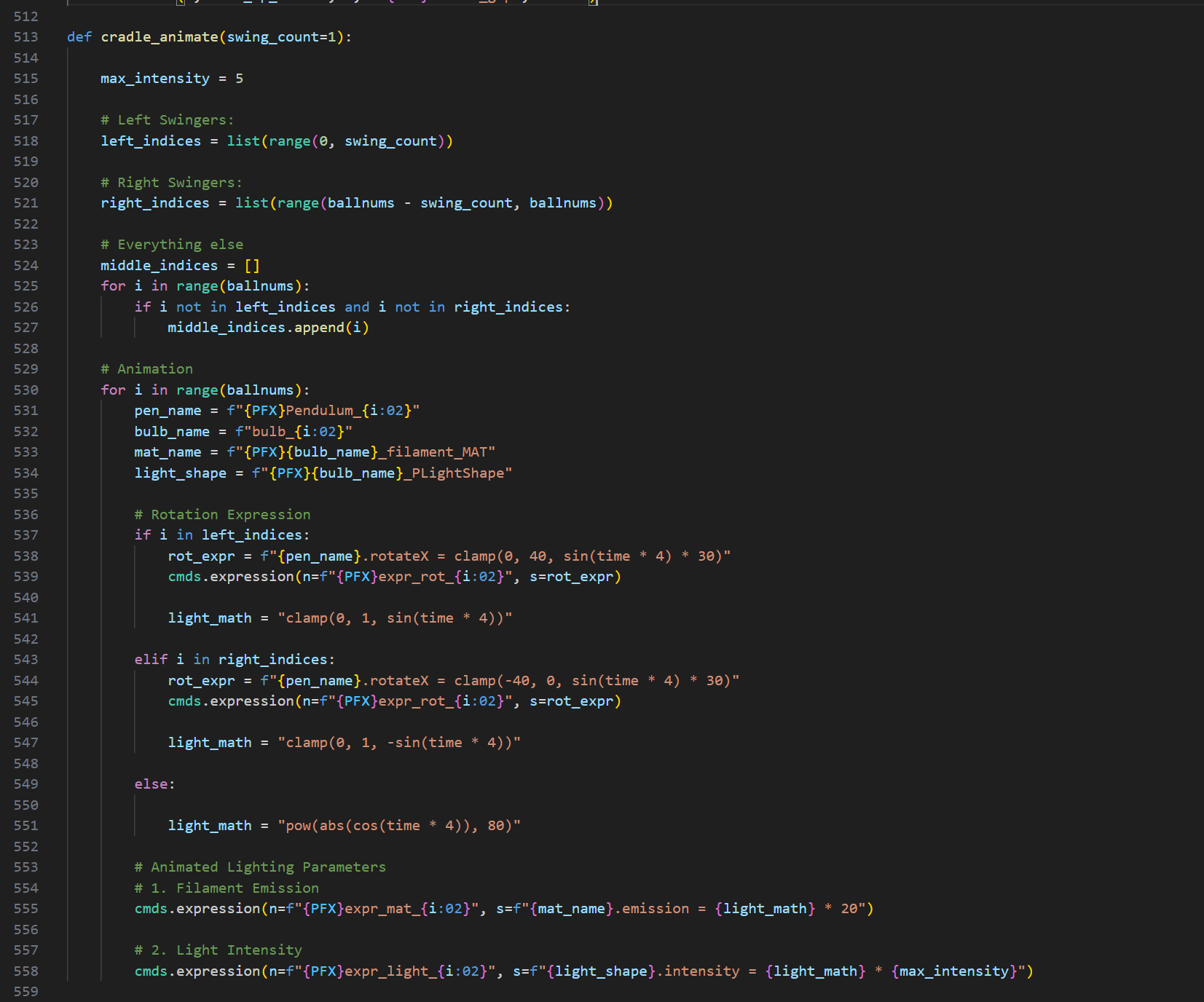
I didn't want to keyframe the lights. I wanted the system to know when an impact happened. I wrote a custom expression to drive the filament emission:
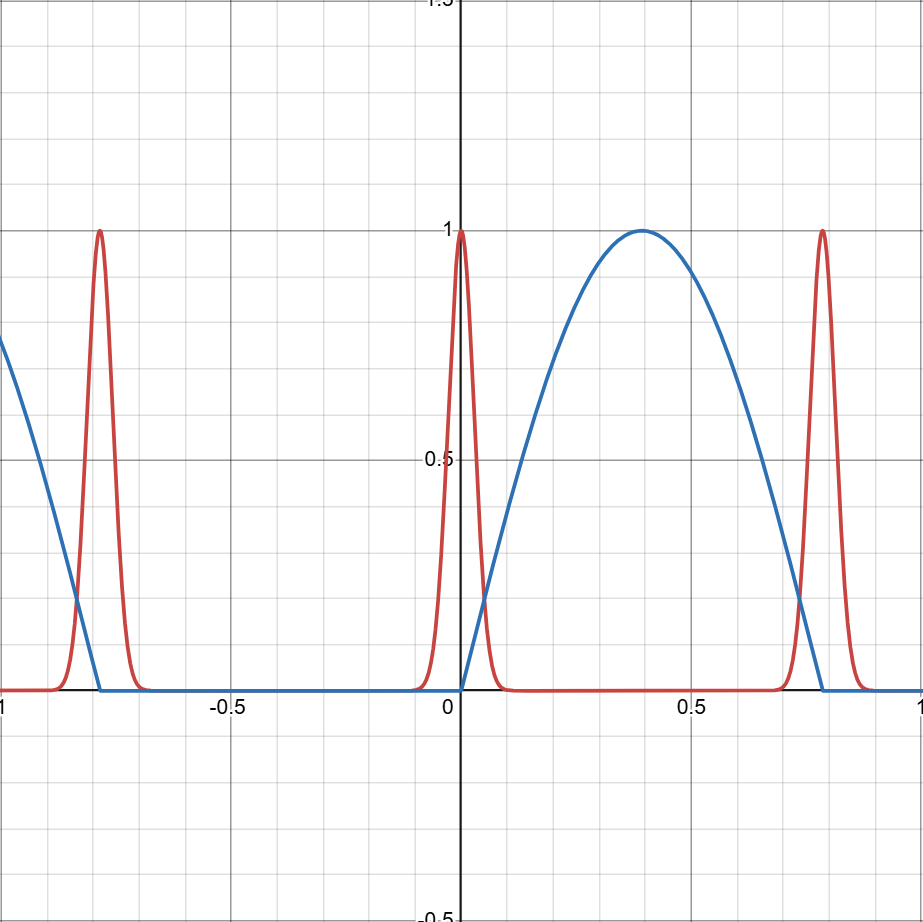
Emission = pow(abs(cos(time * 4)), 80)
By raising the cosine wave to the power of 80, I created a sharp operational spike that turns the light ON only for the split second the rotation hits 0. This is the kind of "high-fidelity" detail that you might miss at first glance, but it makes the physics feel real. The below desmos graph visualizes the light intensity and emission intentisy for the bulb. Blue line represents sine wave and red line represents cosine wave.
Shading
To eliminate the repetitive labor of manual network construction, I developed a modular shading pipeline using maya.cmds. Instead of connecting individual nodes by hand, I wrote a robust assign_material function that procedurally generates complex Arnold shading networks—linking Diffuse, Roughness, Normal, and Displacement maps with correct color space settings automatically. A key component of this system was the enforcement of a Scene-Linear Rec.709-sRGB workflow; the script sets all incoming data textures to 'Raw' while managing the internal aiStandardSurface attributes for physical accuracy. For the glass bulbs and filaments, I bypassed texture maps entirely, utilizing Arnold’s transmission and emission attributes to achieve realistic dielectric properties and dynamic lighting directly through code.
Optical Physics
I refused to manually focus the camera. If the user changes the number of balls, the cradle gets wider, and the center shifts. A manual camera would lose focus.
I implemented a vector math solution (Euclidean distance) to calculate the exact distance between the camera lens and the center of the cradle in 3D space. I fed this data directly into Arnold’s aiFocusDistance. The result is that no matter how the scene is generated, the render is always perfectly sharp.
import math
# 1. Get the Camera's Position in World Space
# q=True means "Query", t=True means "Translate", ws=True means "World Space"
cam_pos = cmds.xform(camera, q=True, t=True, ws=True)
# 2. Define the Target (The Center of the Cradle)
target_pos = [0, 0, 0]
# 3. Calculate Euclidean Distance
# Distance Formula: sqrt( (x2-x1)^2 + (y2-y1)^2 + (z2-z1)^2 )
dist = math.sqrt(sum((cam_pos[i] - target_pos[i])**2 for i in range(3)))
# 4. Apply to Arnold Focus Distance
cmds.setAttr(f"{camera}.aiFocusDistance", dist)
# Optional: Print for verification
print(f"Auto-Focus Locked at {dist:.2f} units.")
CUstom User Interface
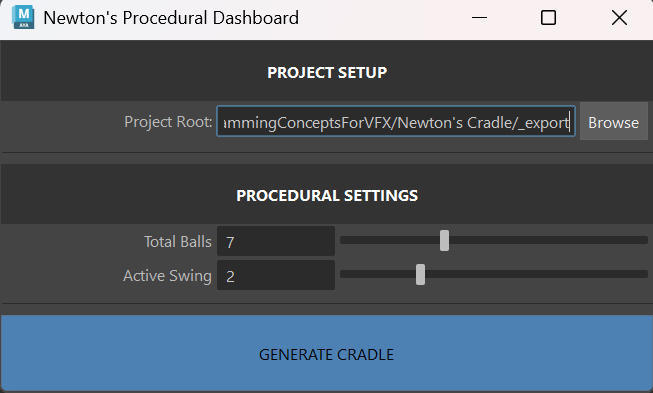
For the procedural control dashboard, I utilized a 'Vibe Coding' approach—defining the logic and user experience I wanted in plain English and letting the AI generate the implementation. I knew I needed a window with specific sliders for bulbs count and swing numbers, plus a file browser for the project root, but I didn't want to spend hours looking up textFieldButtonGrp or intSliderGrp syntax. I described the functionality to the AI: 'Create a Maya UI window that lets a user browse for a folder and updates a text field.' The AI generated the complete UI structure, which I then audited and refined to ensure the callbacks correctly updated my global variables. This allowed me to implement a robust tool in minutes rather than hours, focusing my energy on the system's architecture rather than the syntax of the interface.
The below images show the Maya pop up window and the procedurally generated 7 bulbs 2 swinging cradle.
Project 4: Procedural Lotus Pond Tool
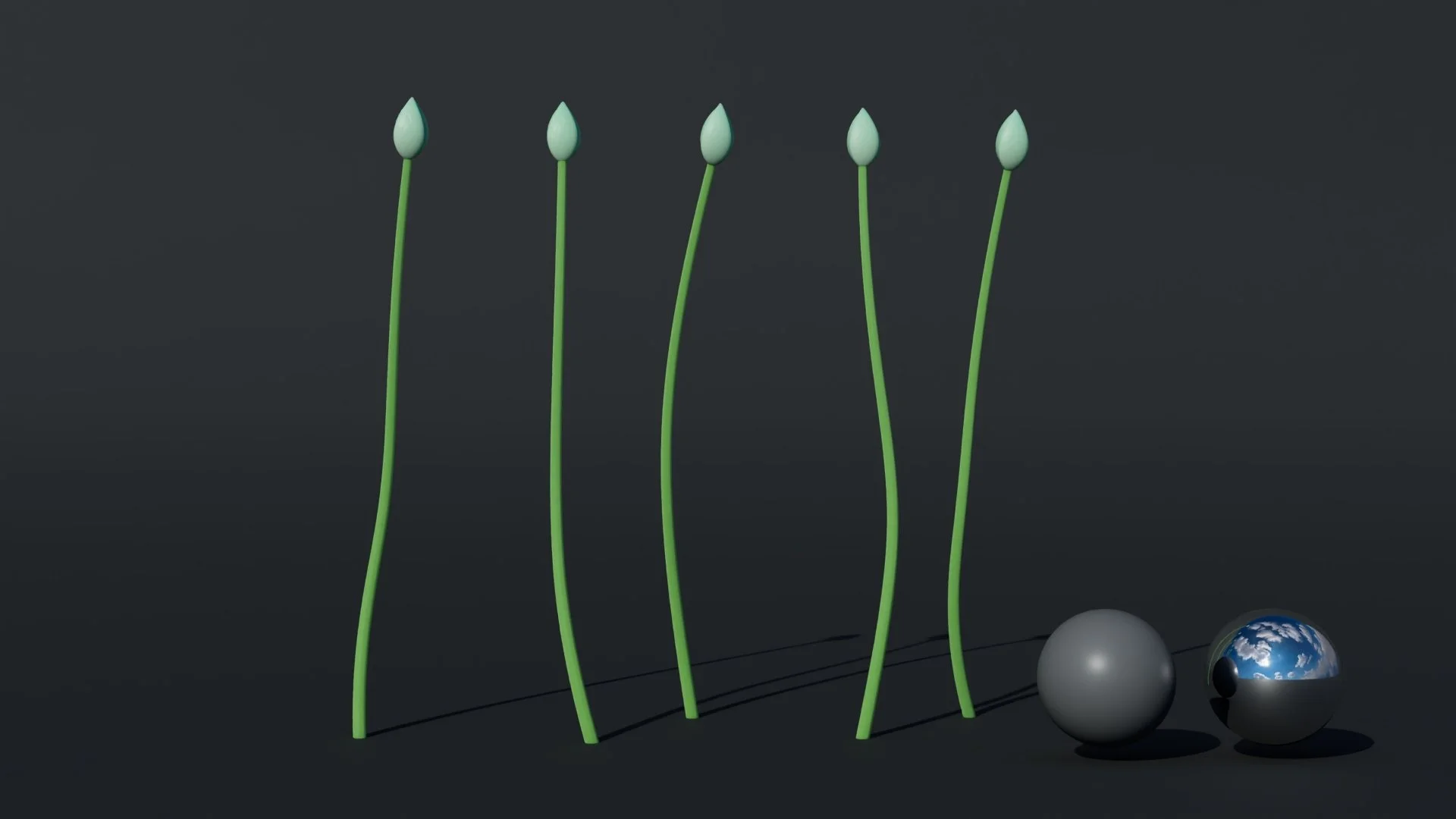
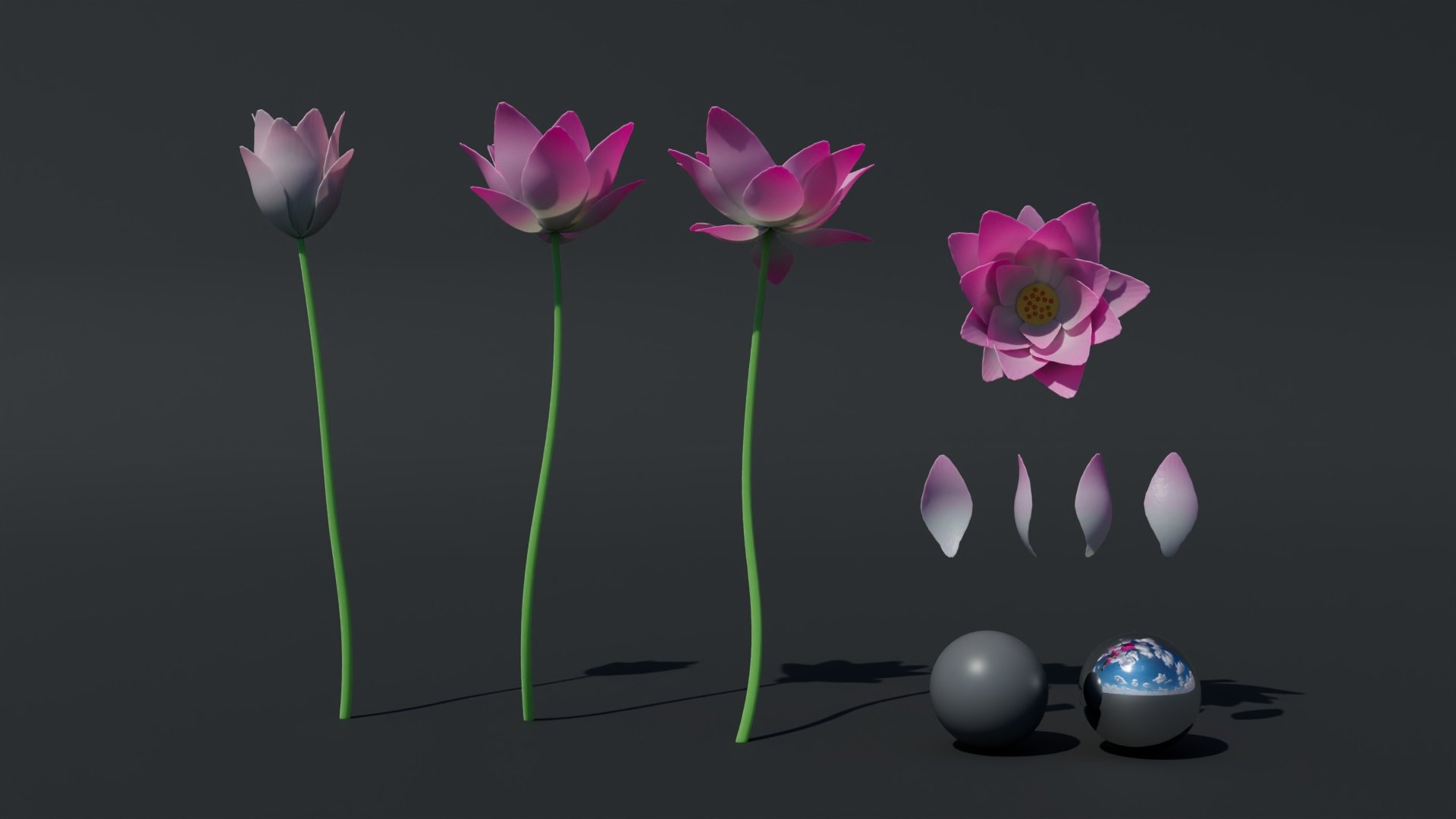
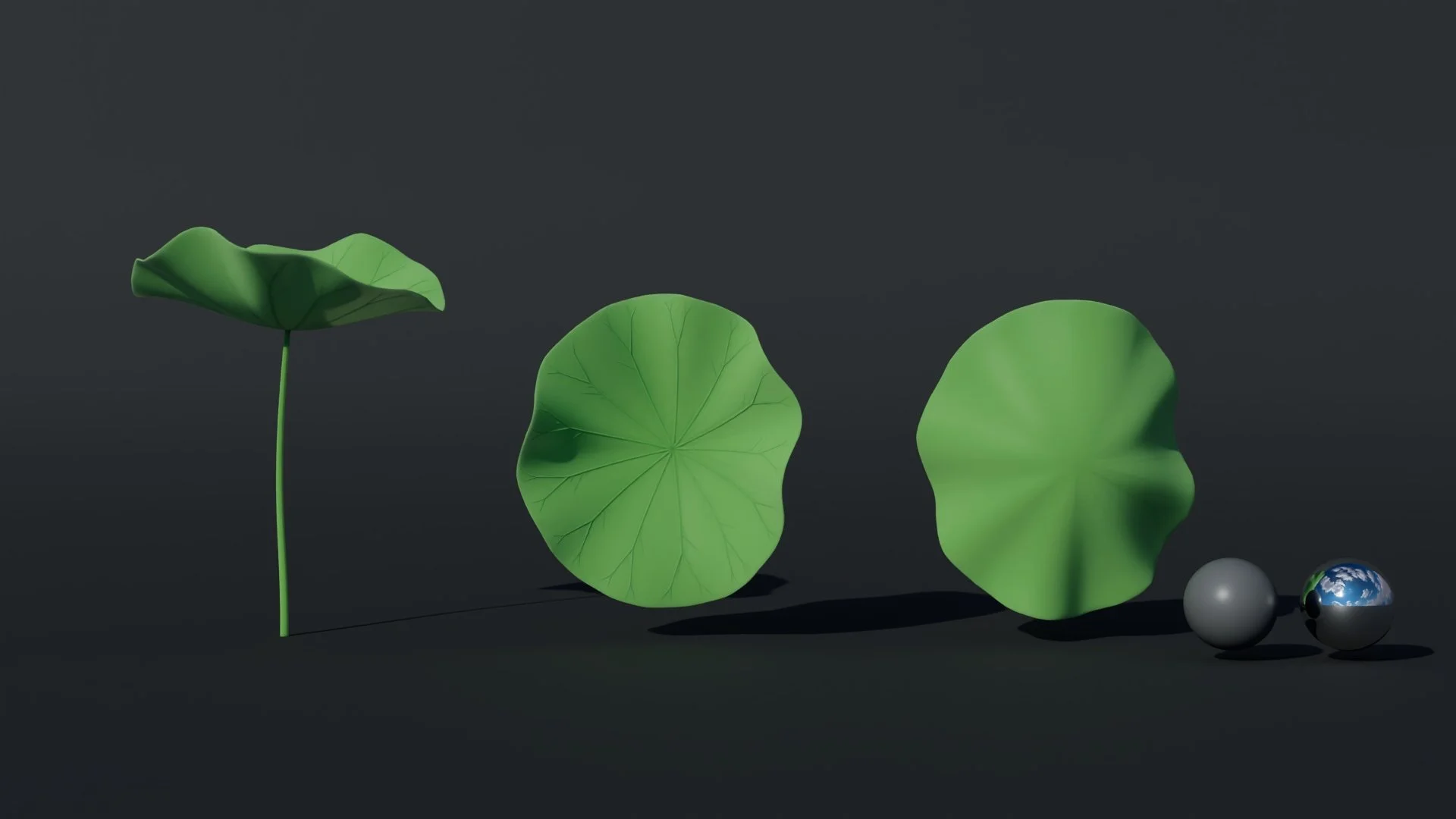
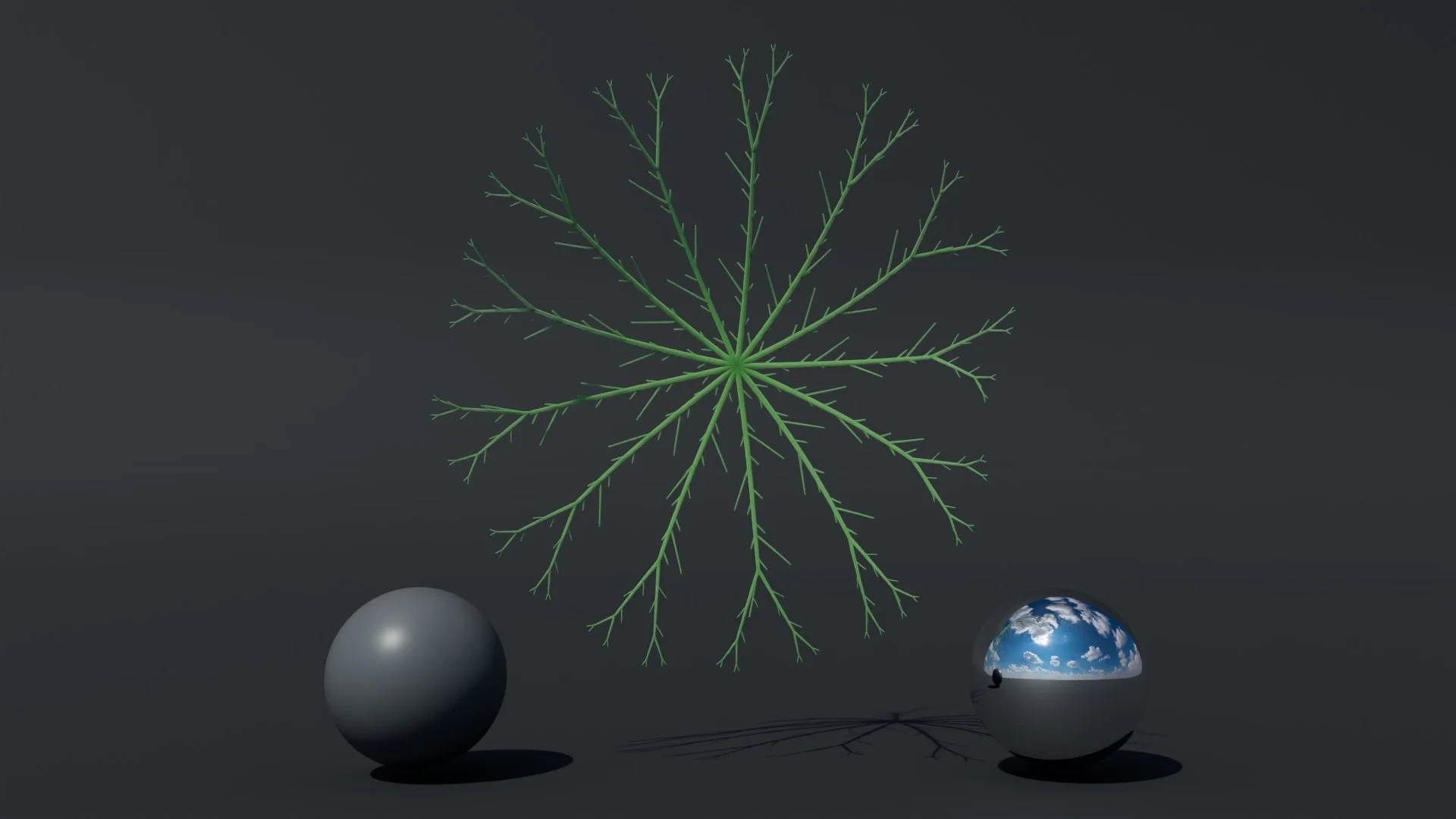
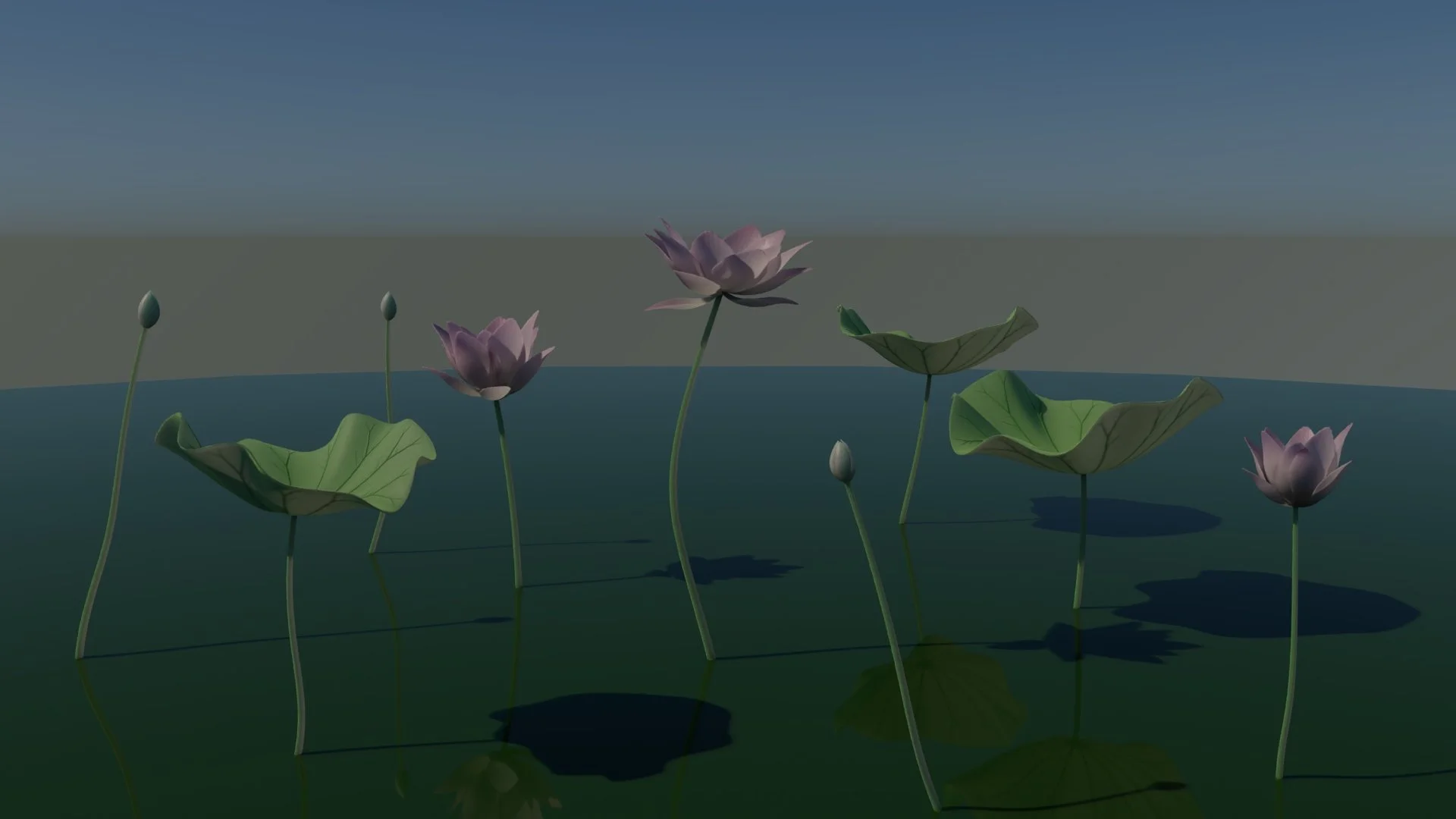
This lotus pond is one of the more technically involved projects in my coursework. Rather than compress the breakdown into a few bullet points, I've written a dedicated post covering the full architecture — from the L-system vein parser and probability engine to the Python-to-MEL bridge and pipeline philosophy. If you're interested in how the system actually works under the hood, the full technical breakdown is linked below.
AI usage: How I work with AI to achieve more?
I view AI not as a replacement for technical knowledge, but as a high-velocity accelerator for learning. Instead of spending hours hunting through documentation, I treat the AI as a Senior Technical Director sitting next to me—one that helps me move from "concept" to "execution" immediately.
1. Instant Syntax Retrieval I don't memorize every flag in the maya.cmds library. Instead of manually searching Autodesk’s documentation for the specific parameters of a command like polyAutoProjection, I ask the AI to generate the correct syntax for my specific context. It turns a 10-minute search into a 10-second retrieval.
2. Deep-Dive Explanations When I encounter a complex function or a piece of code I don't fully understand, I ask the AI to break it down line-by-line. This allows me to understand the logic behind the code—why a loop is structured a certain way or how a vector math formula is being applied—rather than just copying and pasting blindly.
3. Debugging Partner When a script throws a cryptic runtime error, I paste the traceback and the relevant code block into the chat. The AI identifies logic gaps—like variable scope issues or data type mismatches—that human eyes often miss. It acts as a second pair of eyes that never gets tired.
4. "Vibe Coding" (Feature Generation) For the Newton's Cradle dashboard, I knew what I wanted (sliders, buttons, and file dialogs) but didn't know the textFieldButtonGrp syntax. I described the functionality I needed—"I need a UI window that lets a user browse for a folder and updates a text field"—and the AI generated the complete UI structure. I audited the code, refined the logic, and implemented a working tool in minutes rather than hours.
5. Tool Preference: Gemini Pro I explicitly prefer Gemini Pro over ChatGPT for my VFX workflows. In my experience, Gemini demonstrates a significantly better understanding of the specific node architectures inside Unreal Engine 5 and Houdini. It provides context-aware solutions for 3D software that other models often hallucinate or oversimplify.
The Result: Using AI has allowed me to learn faster and achieve more. By offloading the rote memorization of syntax to the AI, I can focus my energy on the "Architecture" of the system—solving the higher-level problems of topology, physics, and user experience.